FTP and FTPS
Explicit and implicit TLS, passive mode, write-only per-user drop folders. Works with the scan-to-FTP feature almost every multifunction device already has.

elviana takes documents from your office scanners and email, checks them for malware, and files each one into the right person's OneDrive for Business. No scanner-to-cloud licences, no shared mailboxes, no lost scans.
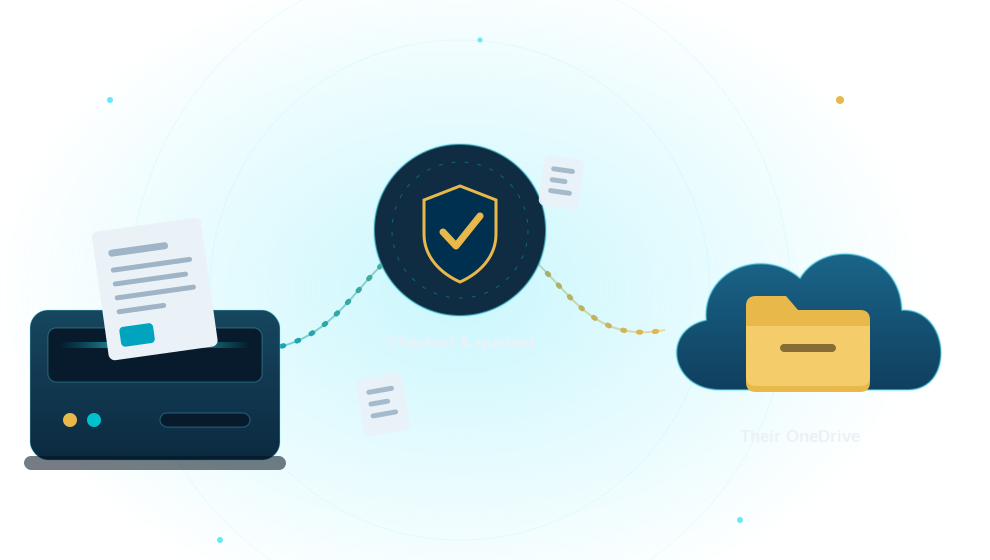
Every Microsoft 365 user gets their own scan folder and their own scan email address. Point a scanner profile at one and elviana does the rest.
The scanner sends the file over FTP or FTPS to that person's folder, or someone emails it to their scan address, which the printer can look up in an LDAP address book. The person is identified by their Microsoft 365 account, kept in sync automatically.
The file is virus-scanned and written to durable storage before elviana says it has it. If anything is wrong, it is quarantined, and email senders are told why.
elviana uploads the document into the chosen folder in the person's OneDrive, checks the stored size matches, then removes its own copy. Failures retry with back-off and stay visible until fixed.
Explicit and implicit TLS, passive mode, write-only per-user drop folders. Works with the scan-to-FTP feature almost every multifunction device already has.
A scan address for every user. Only approved senders get in, proven with DMARC, DKIM or SPF, and it is never an open relay.
Built-in checks plus ClamAV. If the scanner cannot give a verdict, the file waits. It is never delivered unchecked.
Accepted means stored. Jobs survive restarts, use leases and fencing, and retry transient Microsoft Graph errors without duplicating work.
Choose the folder scans are saved into, up to four levels deep. Created on first delivery, never overwriting an existing file.
Live job list, delivery attempts, quarantine, retry and cancel, plus an audit trail of who changed what.
Printers search your people over LDAP and pick their scan address, so there is no CSV to maintain. It answers only the public IP addresses (or dynamic-DNS names) you allow, one address at a time.
Security events go into an append-only log, chained so that tampering is detectable, checked daily and copied to the logs for shipping off the server.
Your MSP is emailed ahead of expiring secrets and tokens, and straight away on emergency sign-ins, scanner-login lockouts and spoofed-email bursts.
elviana is multi-tenant from the ground up. You run it once; each client connects their own Microsoft 365 organisation and only ever sees their own data.
Add the client, send one admin-consent link, and their users and scan folders appear.
Console sign-in with Microsoft accounts, automatic user provisioning with SCIM, and roles for admins, operators and viewers.
Tenant context is always derived on the server, and an automated test suite checks that one client can never reach another's data.
Emergency local sign-in for when Microsoft is unavailable, rate-limited and audited.
Sign in to configure your clients, scanners and scan folders, or talk to C4X about running elviana for your organisation.